
Airspeed
GPS-derived ground speed presented through a familiar cockpit dial.
Six instruments. One pocket.
A sensor-powered pocket cockpit that brings the feeling of a classic aircraft six-pack to pilots and enthusiasts—wherever they go.

FLIGHTSIX · SENSOR-POWERED SIX-PACK · iOS
The idea
FlightSix explores how the sensors already inside an iPhone can create an engaging, cockpit-inspired experience. The app translates motion, location and pressure data into six familiar flight displays—designed for curiosity, learning and enjoyment rather than certified navigation.
Aviation heritage · Digital instinct
The visual system borrows from the precision, tactility and enduring character of analogue cockpit instruments—then translates that spirit into a responsive modern experience.
The six-pack
GPS-derived ground speed presented through a familiar cockpit dial.
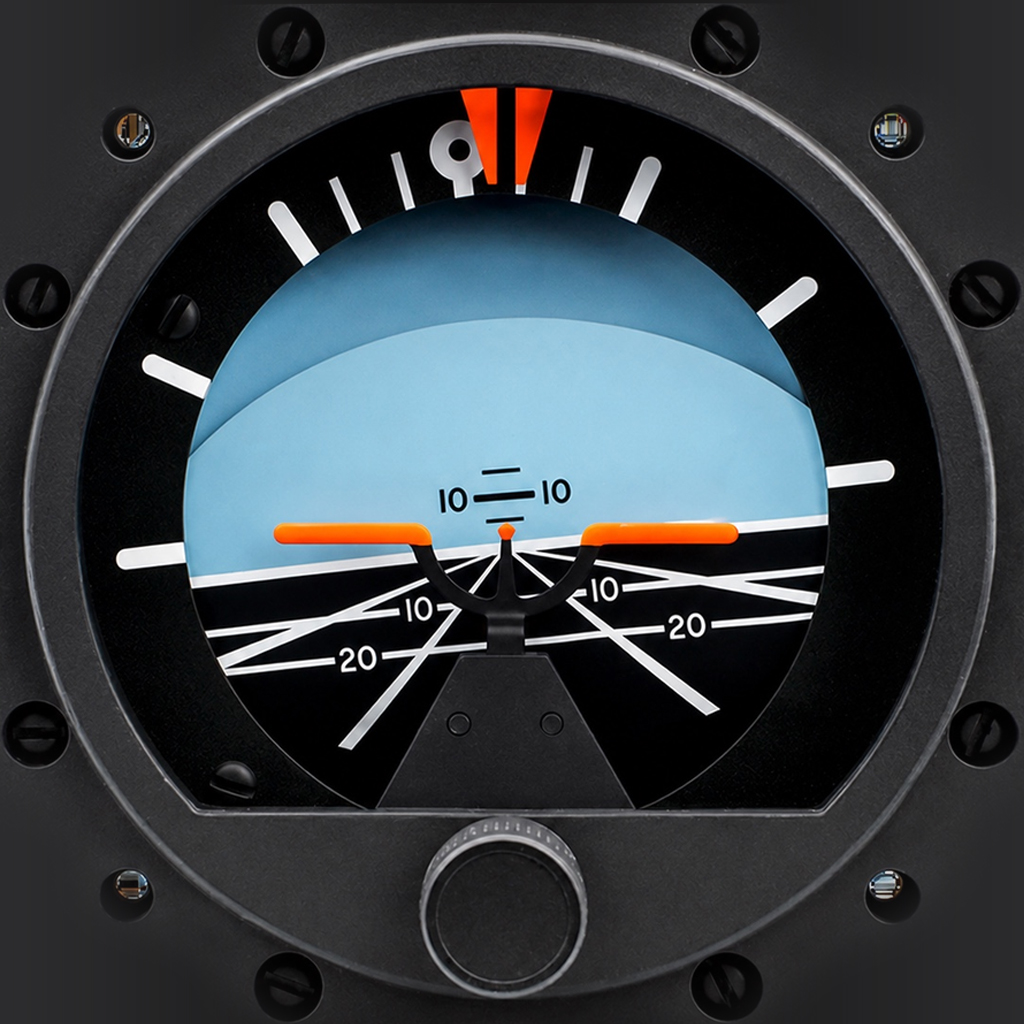
Pitch and roll respond to the phone’s motion sensors.
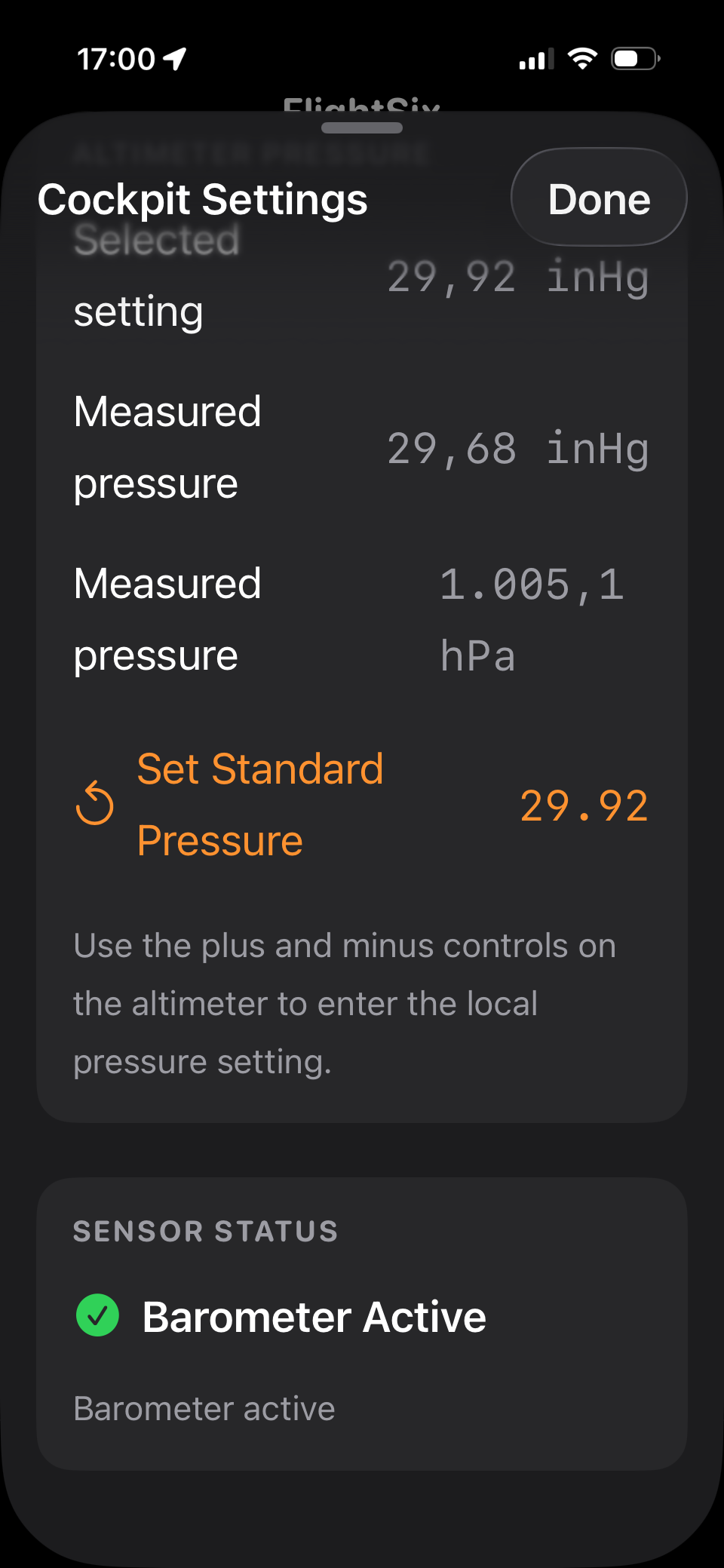
GPS or barometric altitude with adjustable pressure settings.
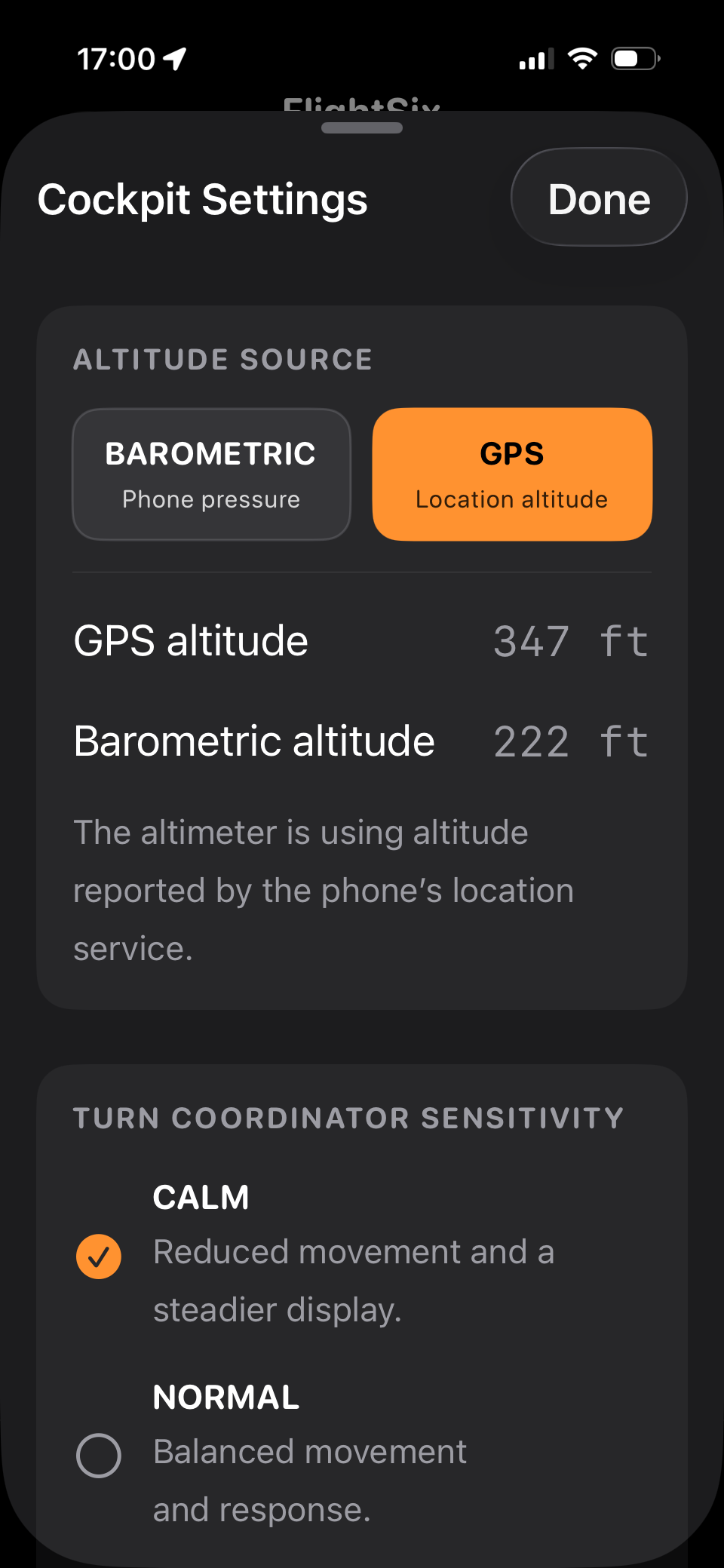
A configurable response designed to feel calm, normal or highly responsive.
A compass-led directional display with a familiar aircraft silhouette.
A clear indication of climb or descent movement.
Designed around the sensors
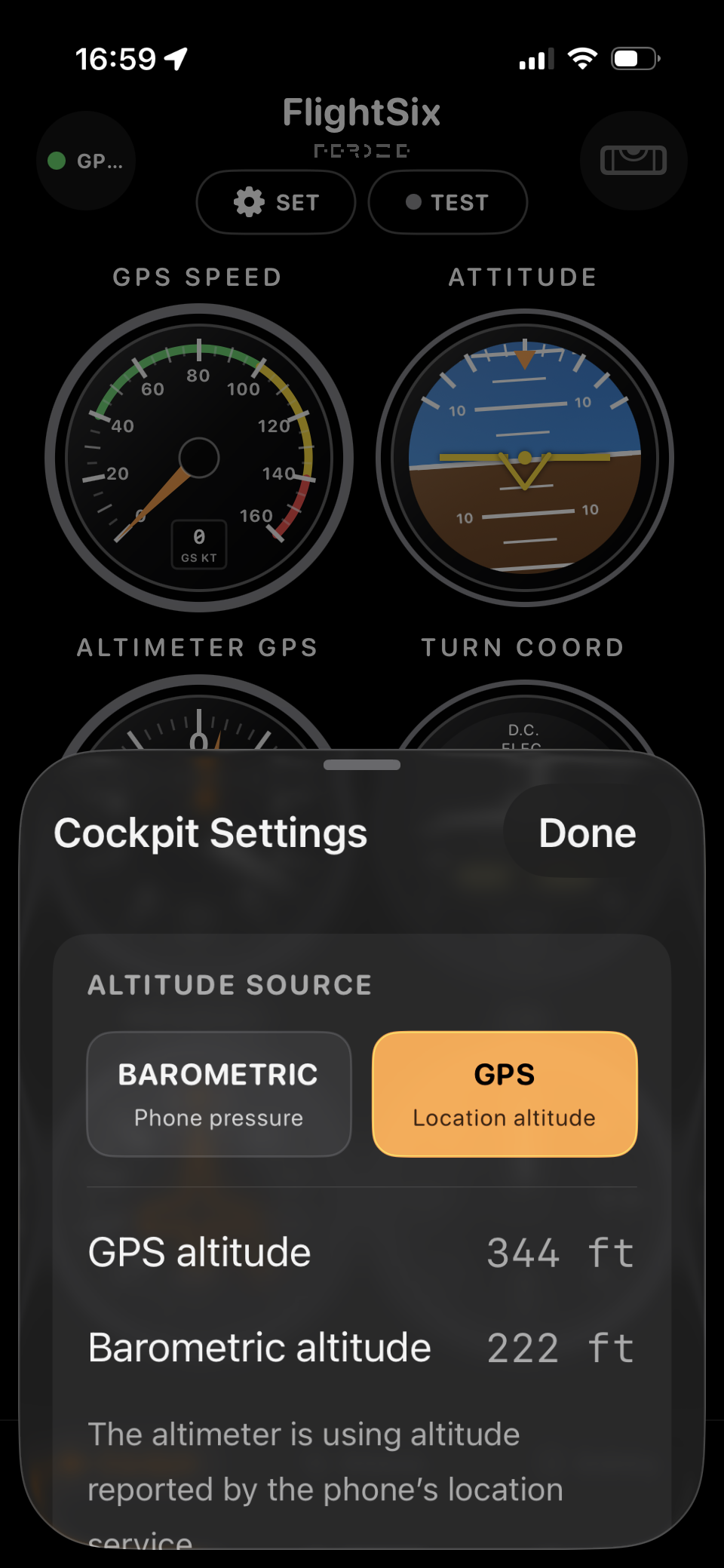
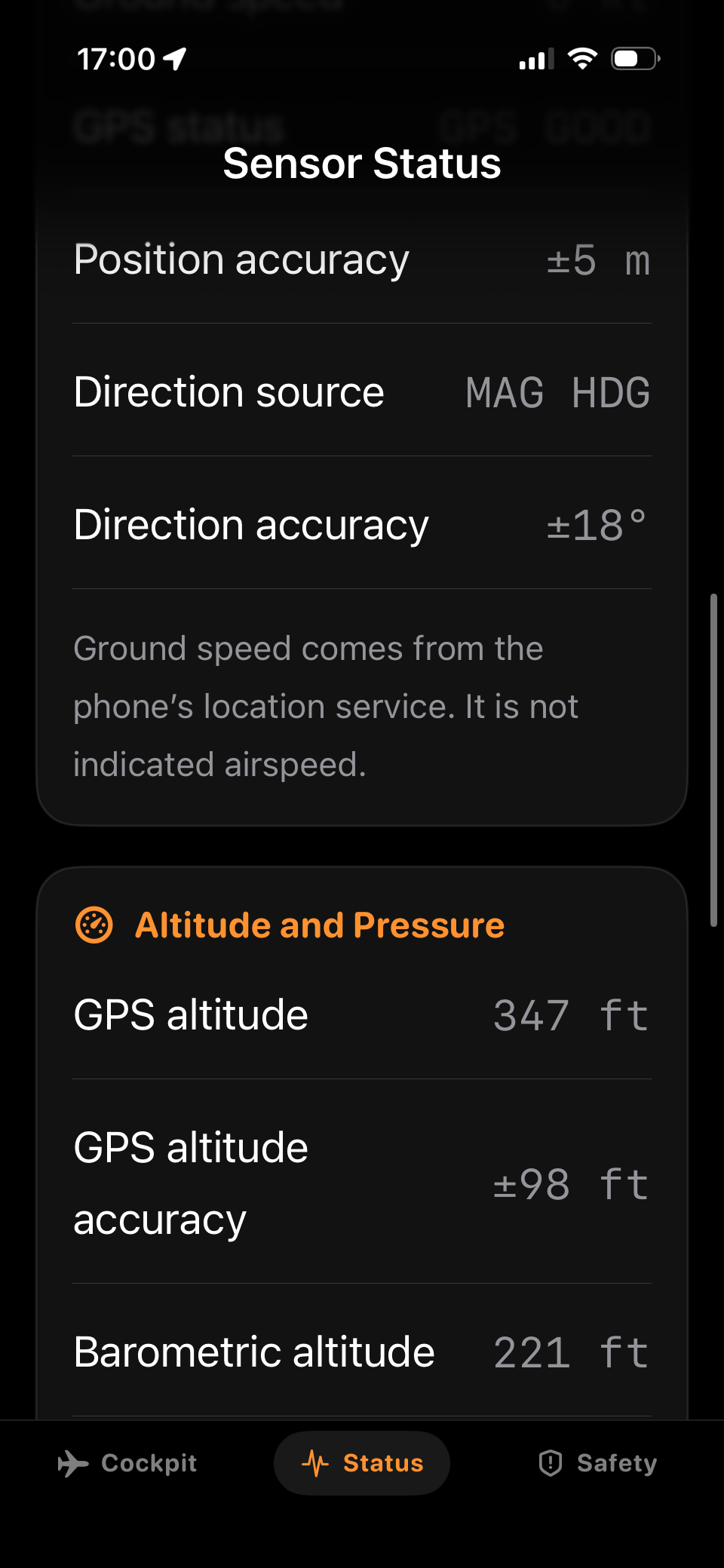
Demo controls make the instruments testable anywhere, while dedicated settings let users choose data sources, tune motion response and manage altimeter pressure.
Safety by design
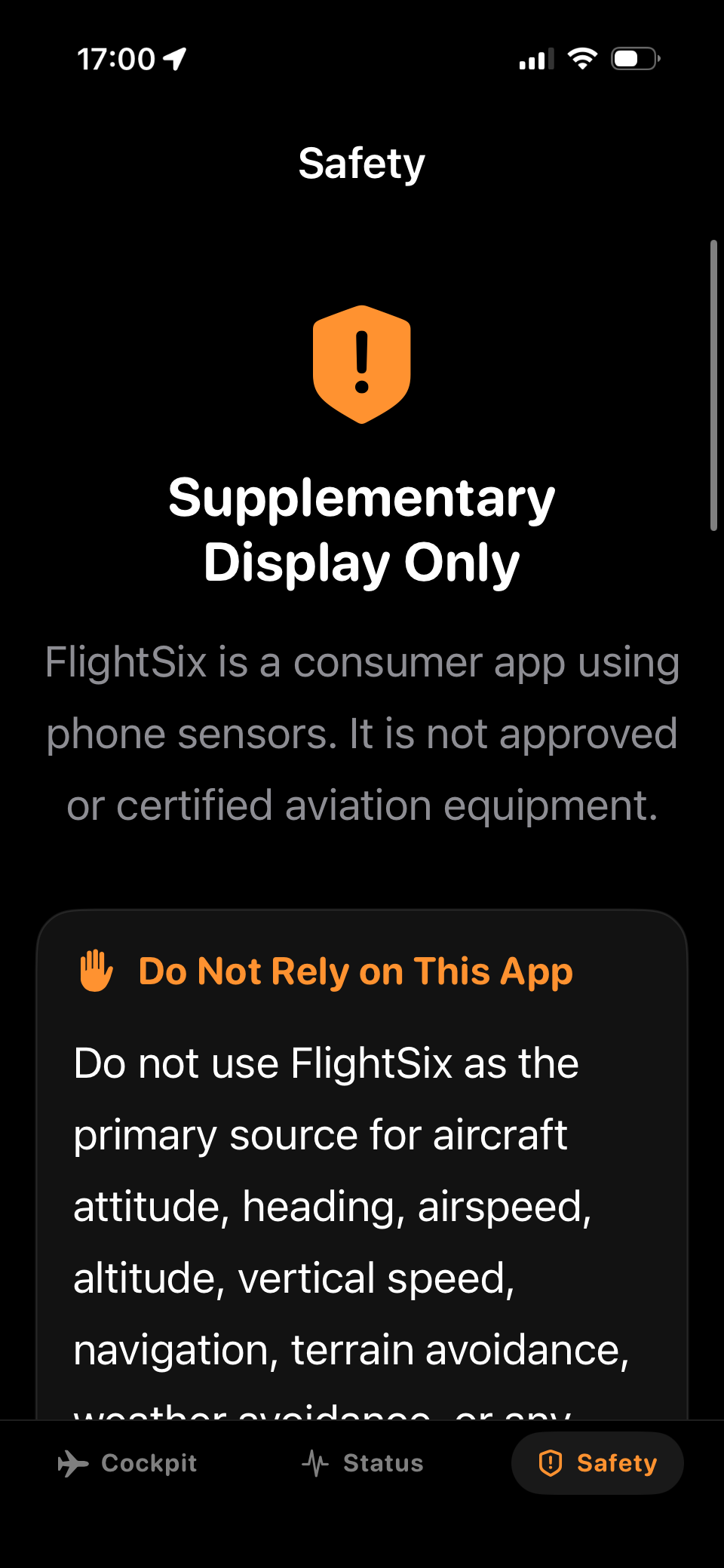
FlightSix is explicitly positioned as a supplementary educational and situational display. It is not certified aviation equipment and never replaces approved aircraft instruments, procedures or pilot judgment.
In development
A focused experiment in turning real sensor data into an experience that feels immediate, understandable and alive.
The current prototype establishes the six core instruments, demo controls, sensor configuration and safety framework. The next phase is about real-device testing, calibration and refining how movement feels across different conditions.